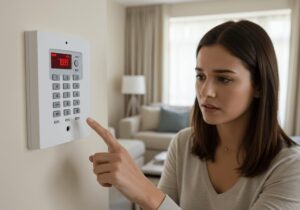
Quick answer: Nine times out of ten, a beeping burglar alarm means a low battery, a mains power interruption, or a sensor fault. Check your keypad display first — it will usually tell you exactly which zone or fault type needs attention. If it started at 2am and you’d rather deal with it in the morning, enter your user code to silence it. Just don’t leave it too long.
A beeping burglar alarm is rarely a sign that something serious has gone wrong — but it is your system asking you to pay attention. Whether it’s a slow intermittent chirp, a persistent double-beep, or something more urgent, this guide covers every common cause of burglar alarm beeping, what the different patterns mean, how to work through it yourself, and when it genuinely warrants a call to an engineer.
What Different Beep Patterns Mean
Before you start unscrewing anything, have a listen first. Your burglar alarm is communicating something specific, and the pattern is the quickest clue. The table below covers the most common patterns — though it is always worth cross-referencing with your specific system’s manual, as brands like Yale, Texecom, Pyronix, and Honeywell Galaxy each use slightly different fault codes and tones.[1]
| Beep pattern | Most likely cause | First thing to check |
|---|---|---|
| Single beep every 30–60 seconds | Low battery — sensor or main panel | Keypad display for battery fault message or zone indicator |
| Rapid, continuous beeping | Active alarm or urgent system fault | Enter user code to disarm; check for intrusion or serious fault |
| Double beep at regular intervals | Sensor communication problem or signal path failure | Check keypad for comm fault message; inspect wireless sensors |
| Triple beep followed by a pause | System fault — often a tamper or zone fault | Check keypad for fault code; inspect sensor housings and covers |
| Continuous tone | Triggered alarm or serious system failure | Enter user code; check for tamper alerts or triggered zones |
| Single beep on arm/disarm | Normal confirmation tone — system operating correctly | Nothing needed |
The Most Common Causes of a Beeping Burglar Alarm
1. Low battery
By far the most frequent cause — in our experience, a low battery accounts for the majority of beeping alarms we attend. Alarm panels contain a main backup battery, typically a 12V sealed lead-acid unit, that needs replacing every three to five years. Wireless sensors run on their own batteries — usually AA or CR123A cells — with a lifespan of roughly one to three years depending on how often the system is armed and disarmed.
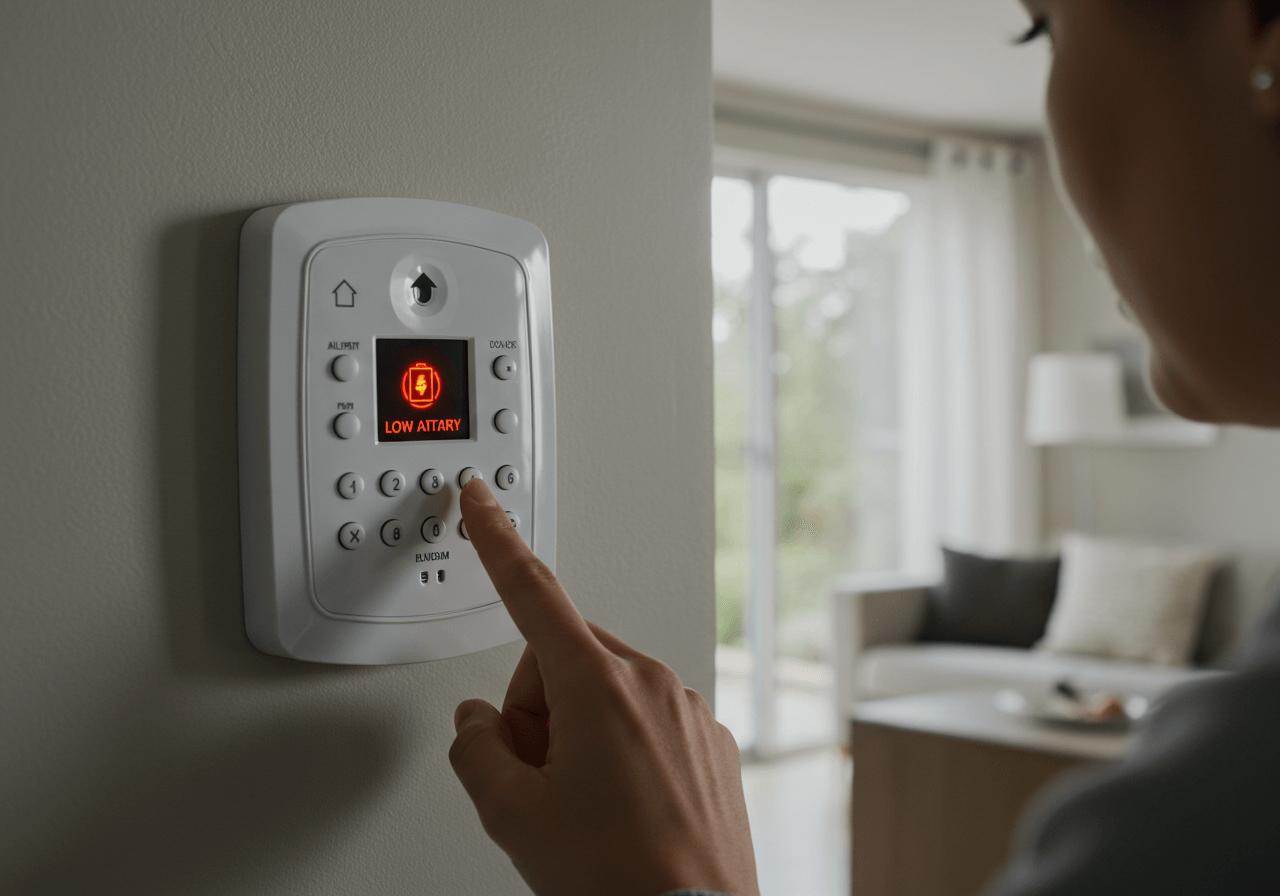
When a battery gets low, the system will usually display a “Battery Fault” message or flag the specific zone on the keypad, accompanied by a slow intermittent chirp. The fix is straightforward: replace the relevant battery and reset the system. If the alert reappears within a week of a fresh battery, the panel’s charging circuit may be the culprit rather than the battery itself — worth getting checked.[2]
2. Mains power failure
If the mains power supply to your alarm is interrupted — through a power cut, a tripped circuit on the fuse board, or a cable that has been accidentally disconnected — the system switches to battery backup and beeps to let you know. Check your fuse board first, then confirm the alarm’s power cable is properly seated. In most cases, restoring the mains supply and entering your user code will clear the fault.
Worth knowing: some older installations run the alarm off the same circuit as another appliance. If the fault appeared after someone has been working in the house, that is the first place to look.
3. Tamper fault
Every component in a professionally installed burglar alarm has a built-in tamper switch — a small mechanism that triggers if the housing is opened, removed, or knocked out of position. This is a deliberate security feature, required under British Standard BS 4737,[4] but it can also trip accidentally if a sensor cover has come loose, a detector has shifted on its mounting, or a keypad was not properly re-secured after a battery change.
Tamper faults typically show as “TAMPER” or “ZONE TAMPER” on the keypad. Walk each detector and panel in turn, check nothing has come loose, and re-seat any covers that look disturbed. If the fault persists once everything looks correctly in place, the tamper switch itself may have worn — at that point, an engineer is the right call rather than continued guesswork.
4. Communication fault (Comm Fault / Signal Path Failure)
If your system is monitored or connected to a remote signalling service, a communication fault means it has lost contact with that service. Your panel may display “COMM FAULT”, “SIGNAL PATH FAILURE”, or something similar depending on the manufacturer. In most cases, the cause is external: a broadband outage, an issue with your telephone line, or a temporary problem with your mobile network provider.
Entering your user code will usually silence the beeping. If your internet connection is otherwise working normally and the fault does not clear within a few hours, contact your monitoring centre — they can often diagnose signal path issues remotely. An unresolved comm fault means your alarm is no longer signalling to the monitoring station, which matters if your home security relies on a monitored response.[3]
5. Sensor fault — PIR or door/window contact
Motion sensors (PIR detectors) and magnetic door and window contacts can develop faults due to age, physical damage, interference, or a failing battery in wireless models. A faulty sensor will usually register as a specific zone fault on the keypad — most modern panels tell you exactly which zone to investigate rather than leaving you to work through them one by one.
Common culprits: a PIR that has moved on its mounting, a door contact where the magnet has drifted slightly out of alignment with the reed switch, or a wireless sensor whose battery is on its way out. Check the flagged zone, confirm the sensor is securely mounted and undamaged, and replace batteries where applicable. A sensor that continues to flag faults despite fresh batteries will likely need replacing.
6. Loose wiring connection
Less common in modern installations, but worth knowing about for older wired systems. Wiring connections can loosen over time — particularly at the panel terminal block or at sensor connection points — and this causes intermittent zone faults that shift around or appear without obvious explanation. If your system is several years old or has recently had other trades working nearby, it is worth having an engineer inspect the wiring rather than chasing the fault yourself. Incorrectly handled alarm wiring can compromise system integrity, so this one is not a DIY fix.
How to Troubleshoot a Beeping Burglar Alarm: Step by Step
Work through these in order. Most beeping house alarms sort themselves out within ten to fifteen minutes using this process.
Start with the panel
- Check the keypad or panel display. Always start here. Modern alarm panels — including Yale, Texecom, Pyronix, and Honeywell Galaxy systems — display a fault description or zone indicator. If it says “BATTERY FAULT ZONE 3”, you know exactly where to start. Don’t skip straight to pulling sensors apart.
- Note the beep pattern before touching anything. Count the beeps and note their frequency. Match them against the table above. It takes thirty seconds and saves a lot of time.
- Enter your user code to disarm and silence the alarm. This stops the beeping whilst you investigate. Disarming does not fix the underlying fault — the fault message should remain visible on the display after you disarm.
Working through the most likely causes
- Address a low battery. If the display shows a battery fault for a specific zone, replace the battery in that sensor. For a general panel battery warning, the main 12V backup battery inside the panel enclosure needs replacing. Your installer documentation will show you where it sits.
- Check your mains power supply. Confirm the alarm is connected to mains power and that nothing has tripped on the fuse board. Restore mains power, then re-arm and monitor.
- Inspect your sensors. Walk each zone and check that door contacts, window contacts, and PIR detectors are properly mounted and undamaged. Re-seat any loose sensor covers — this clears a tamper fault. Check door contacts are correctly aligned with their magnets.
- Reset the system and observe. Re-arm and watch. If the same fault re-flags within minutes, the fix did not take and it is time to call someone who can get into the panel and properly diagnose it.
If you have worked through all seven steps and the alarm is still beeping, or the fault code on the keypad is unfamiliar, our team offers alarm fault-finding and repair across Essex and the surrounding area — most faults are identifiable and sortable on a single visit.
When Your Alarm Is Actually Going Off — Not Just Beeping
There is an important distinction between a beeping alarm — a notification tone from the panel — and an alarm that is going off: full external siren, neighbours at their windows. If yours is doing the latter without an obvious reason, here is what is most likely behind it.
Common causes of a burglar alarm going off for no reason
- Faulty or misaligned PIR sensor. PIR detectors respond to changes in infrared radiation — heat in motion. A detector that has slipped on its mounting, drifted in aim, or is simply getting on in years can trigger false activations. Spiders and insects moving across the sensor face are a more common culprit than most people expect, particularly in summer.
- Door or window contact out of alignment. If the magnet and reed switch in a door or window sensor drift apart — often due to a settling door frame or warped timber — the system reads it as an open zone and activates. A small adjustment to the sensor or magnet position usually resolves it.
- Pets triggering motion sensors. Standard PIR sensors pick up the body heat of a medium-to-large dog moving through a room. If you have pets and get unexplained activations, your system may need pet-immune sensors fitted.
- A blown fuse. A fuse failure in the alarm circuit can trigger the system. Entering your user code will usually settle it — but get an engineer to identify the underlying cause rather than simply resetting and hoping for the best.
- Wireless signal interference. Wireless alarm systems communicate via radio frequency. Strong interference from nearby devices can occasionally produce false signals. A properly surveyed professional installation minimises this risk, but it can develop over time in some environments.[4]
It is worth knowing that under current police policy, automatic police response to alarm activations requires the system to meet specific standards — and persistent false activations can remove your property from the response list.[3] If your burglar alarm keeps going off without explanation, get in touch with us — we can usually identify the cause on a single visit and get it sorted without any fuss.
When to Call an Alarm Engineer
You can address most of the causes above without professional help. There are situations, however, where a DIY approach makes things worse — or, in the case of a monitored system, leaves your property unprotected without you realising it.
Get an engineer out when:
- The alarm is still beeping after you have replaced the battery and restored mains power
- The keypad displays an error code you do not recognise — do not guess at these
- Multiple sensors flag faults at the same time
- The same fault returns after resetting
- There is any visible physical damage to the panel, sensors, or cabling
- Your system is more than eight to ten years old and faults are becoming more frequent — at that point, a replacement system is often more cost-effective than ongoing repairs
We are a local installer based in Essex. If you are unsure whether a fault warrants a call-out, give us a ring — we would rather talk you through it over the phone than have you sit with a compromised system. Our maintenance and repair service covers most major alarm brands including Yale, Texecom, Pyronix, and Honeywell, and we can usually get someone to you quickly.
Simple Maintenance to Prevent Future Beeping
Most alarm faults are preventable with a small amount of routine attention. The list is short:
- Replace the panel battery every three to five years. Do not wait for the fault warning — backup batteries tend to fail precisely when the mains power does, which is when you need them most.
- Test your alarm monthly. A quick arm and disarm cycle confirms the system communicates correctly and all zones respond. It takes about two minutes.
- Check wireless sensor batteries annually. Most panels flag a low sensor battery before it fails completely, but getting ahead of it avoids the midnight beeping.
- Book an annual service. A qualified engineer checks wiring integrity, tests each zone, inspects tamper switches, and updates firmware where applicable. The cost of a routine service is considerably less than an emergency call-out.[2]
- Keep sensors clean. Dust and cobwebs on PIR sensors cause interference. A gentle wipe with a dry cloth once or twice a year is all it takes.
If you would like to arrange a service for your existing system — whether we installed it originally or not — our maintenance team would be happy to help.
Frequently Asked Questions
Why is my burglar alarm beeping?
The most common causes are a low battery in the panel or a wireless sensor, a mains power interruption, a tamper fault triggered by a loose sensor cover, or a sensor communication problem. Check your keypad display first — it will usually show a fault code or zone indicator that tells you exactly where the issue is.
Why is my house alarm beeping every 30 seconds?
A single beep every 30 to 60 seconds is almost always a low battery warning. It could be the main panel battery or the battery in one of your wireless sensors. Replacing the relevant battery and resetting the system should clear it. If it continues after a fresh battery, the panel’s backup battery or charging circuit may need attention.
How do I stop my burglar alarm from beeping?
Enter your user code to disarm and silence the alarm, then check the keypad for fault messages. The most common fixes are replacing a low battery, restoring mains power, or resetting a tripped sensor. If the beeping returns after these steps, the fault has not fully resolved and an engineer should take a look.
Why is my burglar alarm going off for no reason?
There is always a reason — it just is not always obvious. The most common causes are a faulty or misaligned PIR sensor, a door or window contact slightly out of alignment, pets triggering motion detectors, a blown fuse, or wireless signal interference. Persistent false activations warrant an engineer visit — aside from the inconvenience, repeated false alarms can affect your eligibility for police response.
What does a tamper fault mean on my alarm keypad?
A tamper fault means one of your alarm’s components — a sensor housing, keypad, or panel enclosure — has been opened, knocked, or moved, triggering the built-in tamper switch. Check each detector and keypad for anything that looks disturbed, re-seat any loose covers, and reset the system. If the fault persists once everything looks properly in place, the tamper switch itself may have failed.
What is a comm fault or signal path failure on a burglar alarm?
It means your alarm has lost contact with its monitoring centre or signalling path — usually a broadband outage, a phone line issue, or a mobile network problem rather than a fault with the alarm itself. Entering your user code will silence the beeping; the fault should clear once your connection is restored. If it does not, contact your monitoring company directly.
Sources
- Manufacturer fault code references: Texecom, Yale Home Security, Pyronix — panel-specific beep codes and fault displays.
- National Security Inspectorate (NSI) — guidance on intruder alarm maintenance, servicing intervals, and installation standards.
- Secured by Design — police-preferred specification for intruder alarm systems, including police response eligibility and false alarm management.
- British Security Industry Association (BSIA) — guidance on intruder alarm design and installation to BS 4737 and BS 8243.
If your alarm is playing up and you would like a local engineer to take a look, we are based just down the road. You can get in touch with us here, give us a call on 01702 476700, or drop us an email at AIS.reception@ai-security.com. We are at Vigilant House, 1155a London Road, Leigh-on-Sea, Essex, SS9 3JE — and we are always happy to have a chat before you commit to anything.